Custom Model
Combines multiple widgets into reusable templates for complex, repetitive tasks.
In EasyBuilder X, every element—from visual widgets to the background—is treated as an object with its own properties, events, and methods.
This new design logic simplifies complex setup, making development more intuitive and modules easier to scale and reuse.


Used to define an object's appearance and data content.

Triggered when an object's state changes to initiate the next action.

Determined by each object's characteristics.
Combines multiple widgets into reusable templates for complex, repetitive tasks.
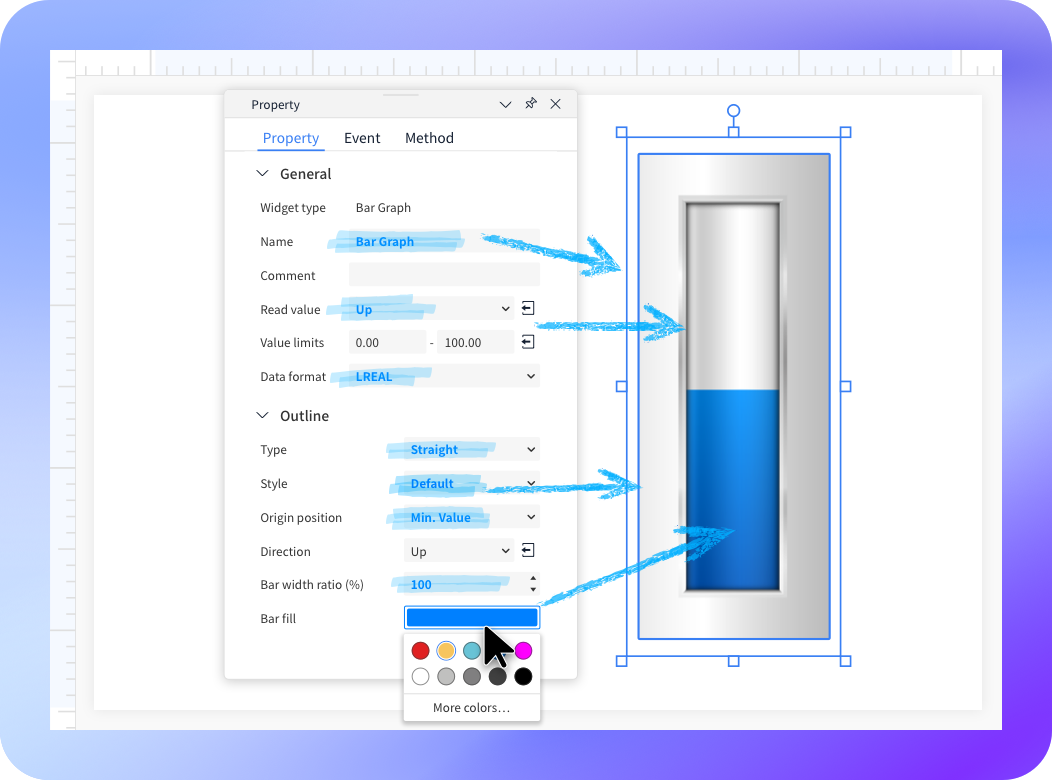
Enables direct parameter editing in the side panel, eliminating the need for pop-up windows.
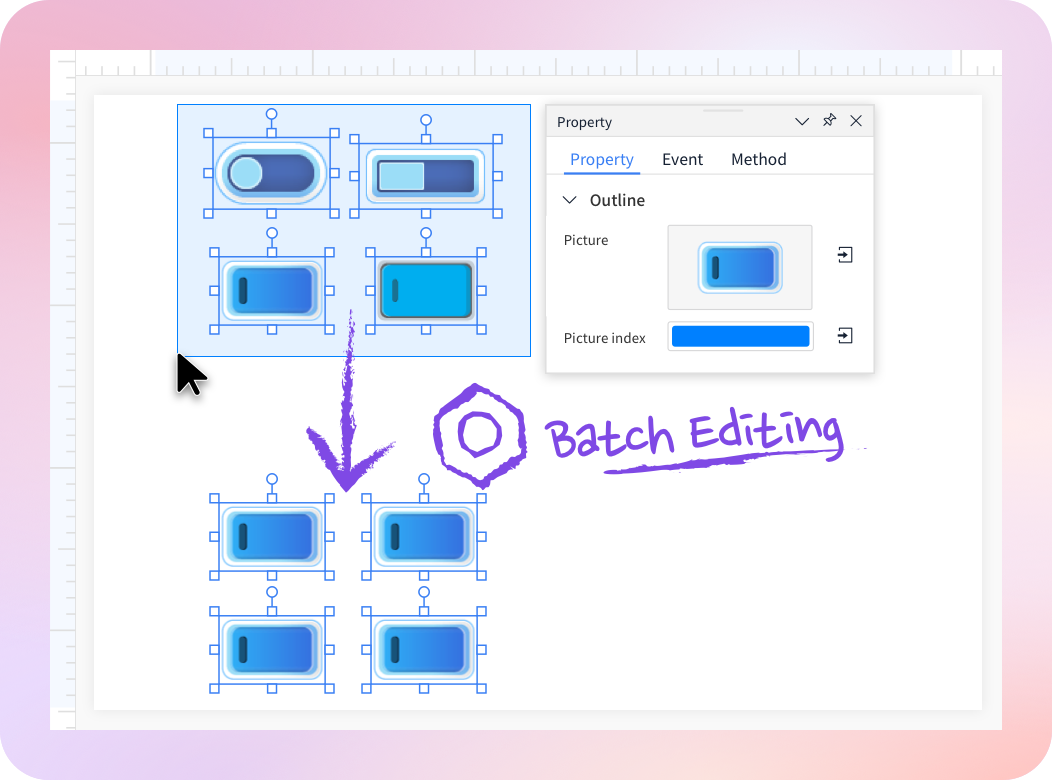
Supports batch editing of shared properties, events, or methods across multiple widgets.
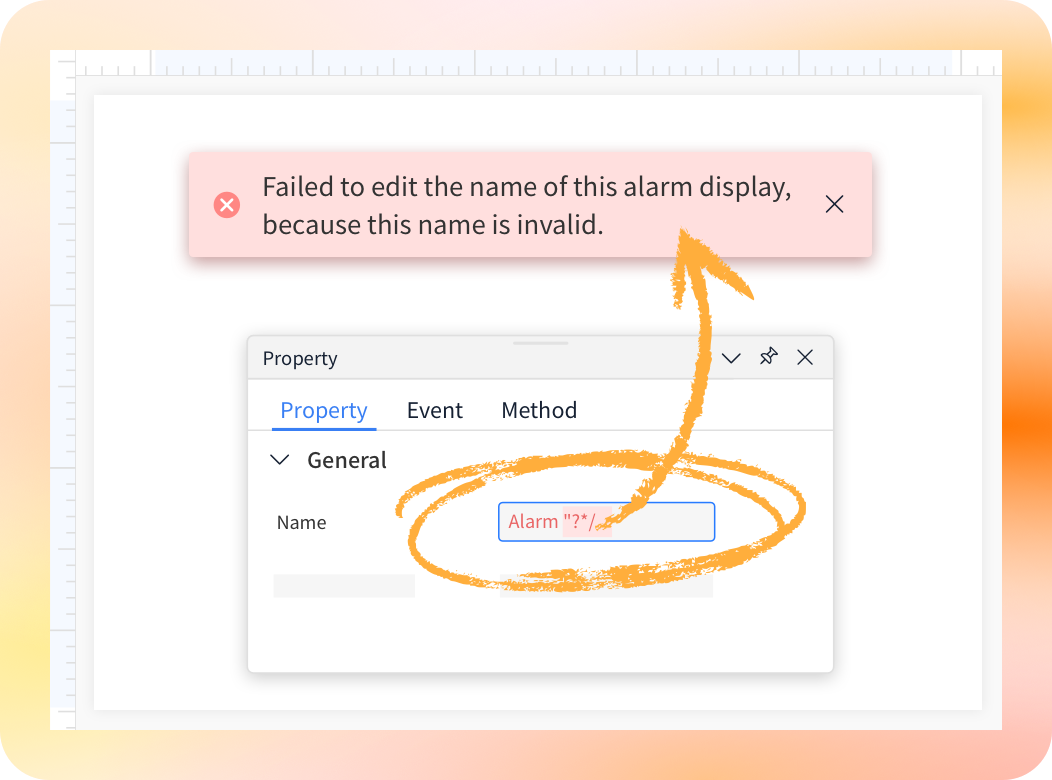
Displays instant messages to help track changes and restore actions.
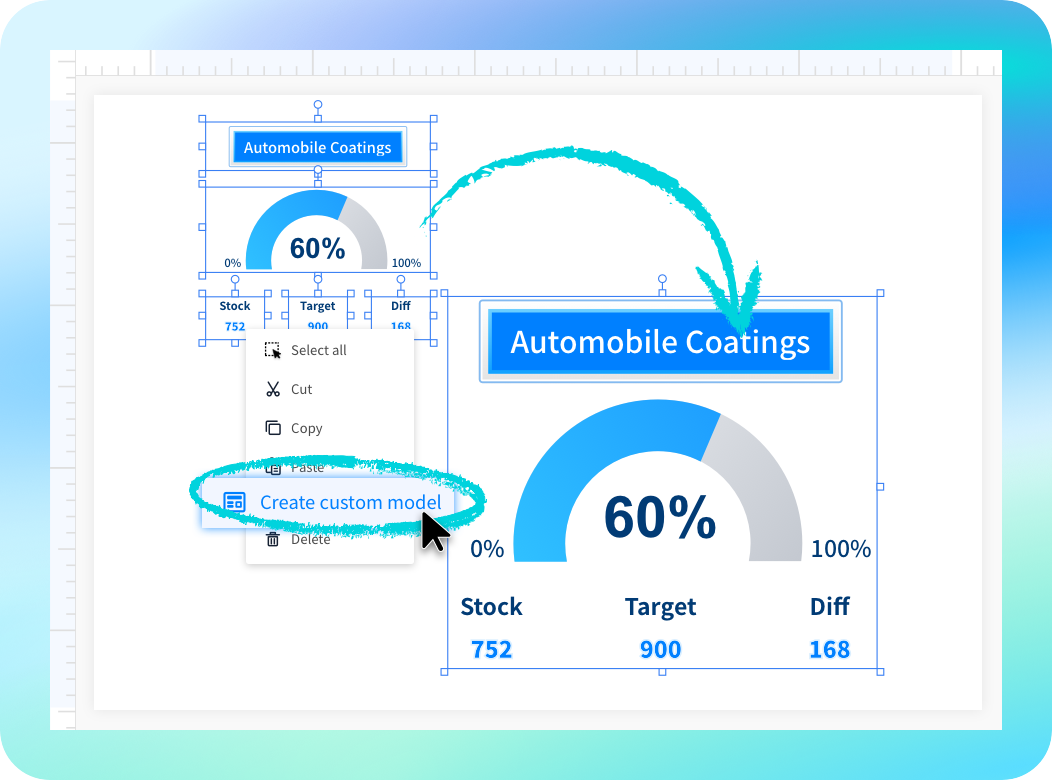
Combines multiple widgets into reusable templates for complex, repetitive tasks.
Enables direct parameter editing in the side panel, eliminating the need for pop-up windows.
Supports batch editing of shared properties, events, or methods across multiple widgets.
Displays instant messages to help track changes and restore actions.
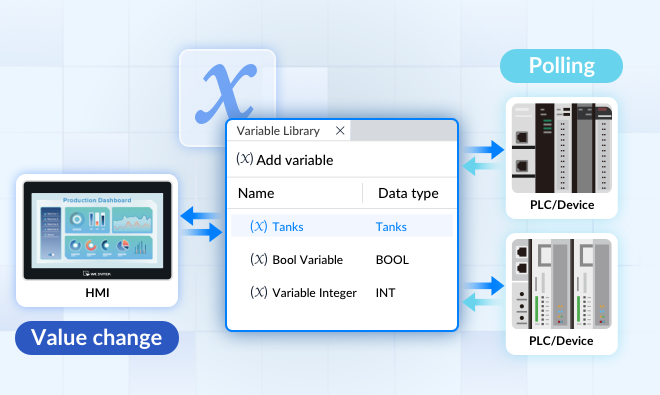
Stores data in variables between the HMI and PLC for more efficient communication.
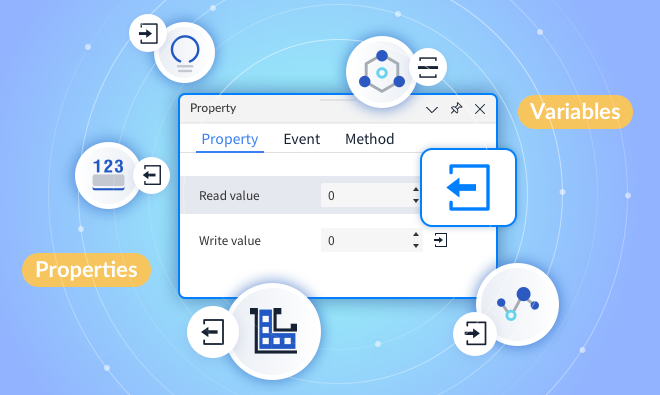
Instantly links properties to variables or other properties to create seamless object connections.
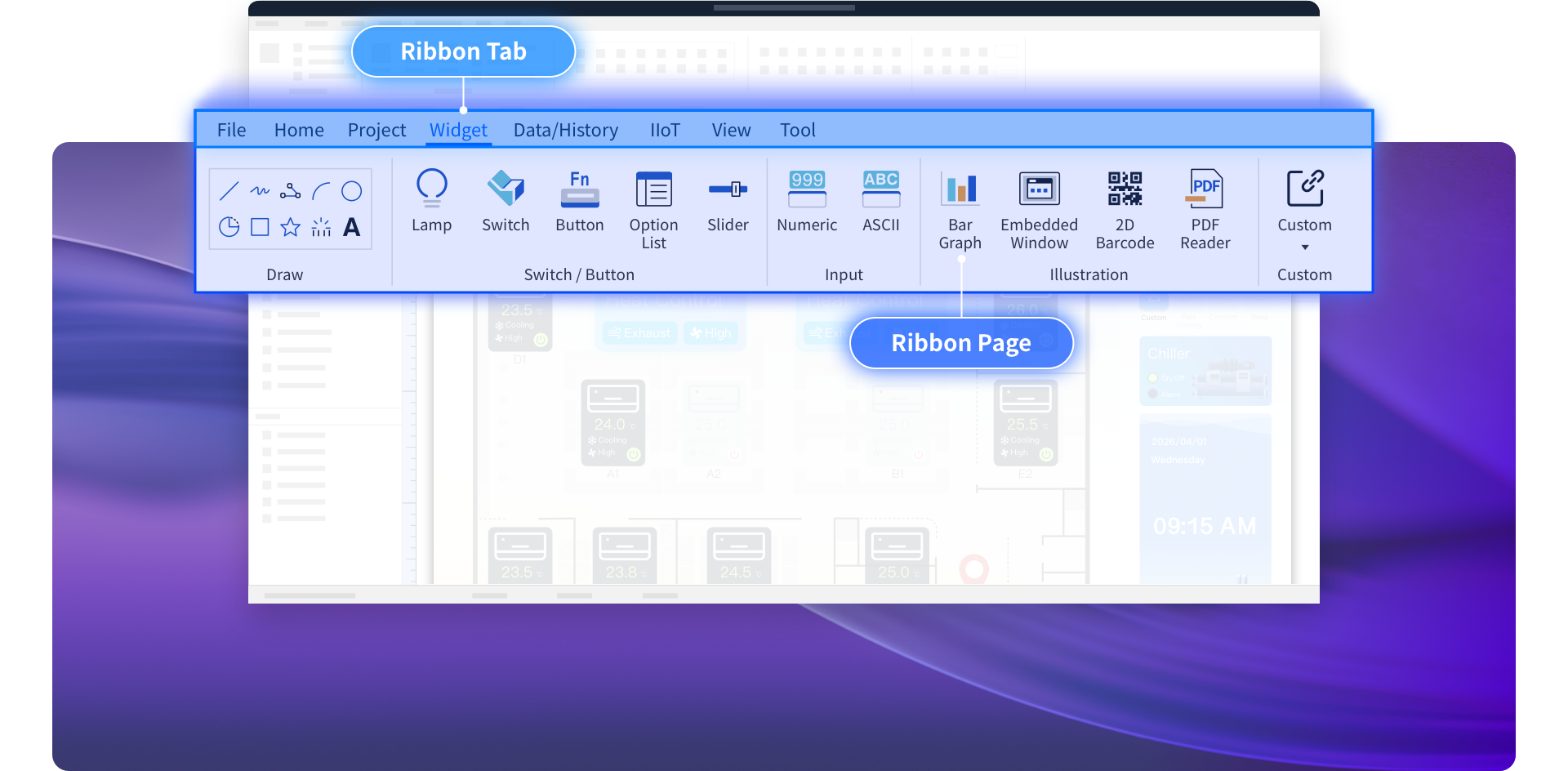
Groups related functions into tabs at the top of the screen.
For example, the Widget tab includes widgets such as lamps, switches, and text.
Allows designers to edit projects using tool tabs such as Device List, Data Type Library, and Variable Library.
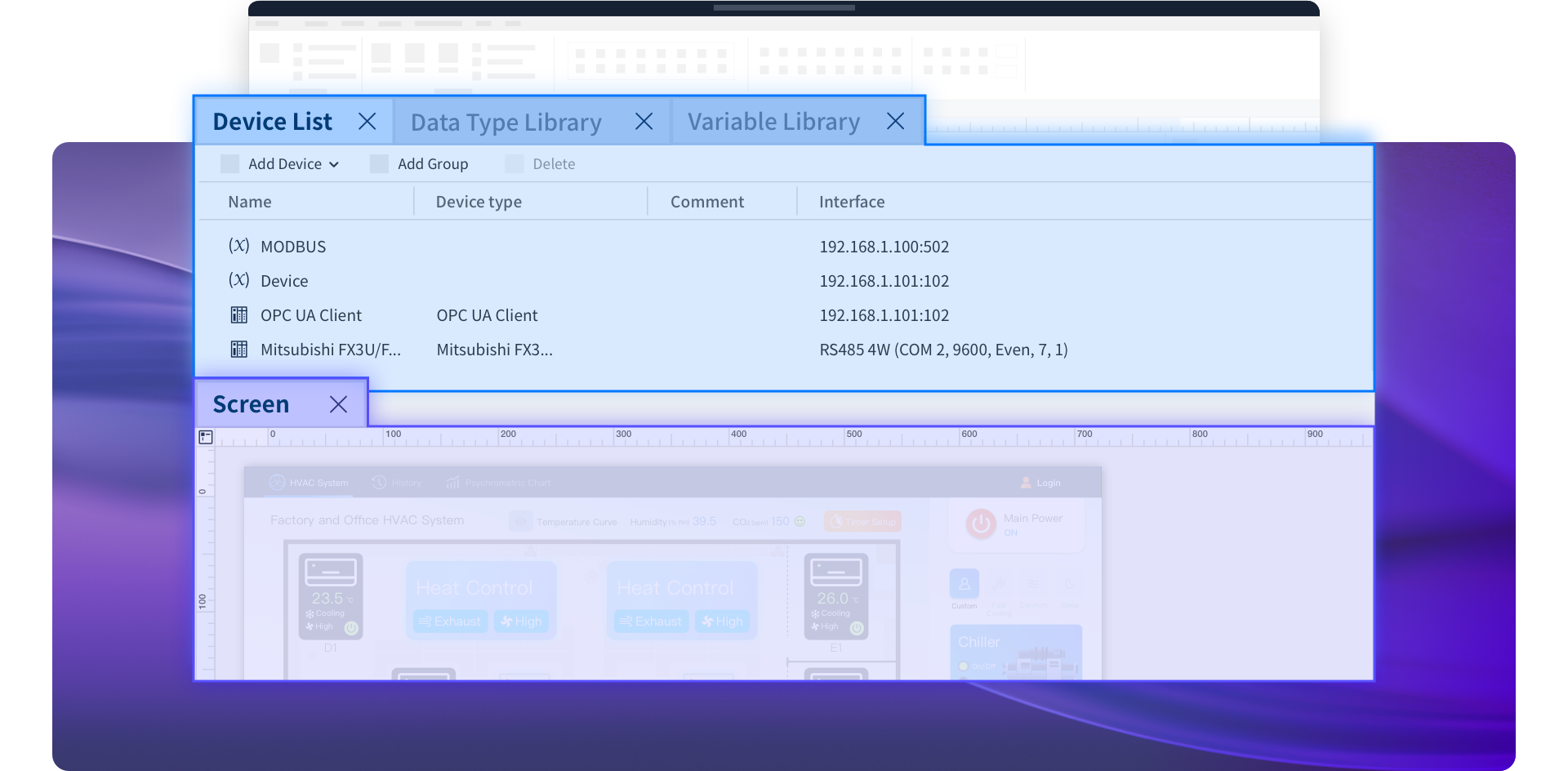
Lists all screens and windows in the current project.
A screen is a standard HMI page, while a window is used as a pop-up window.
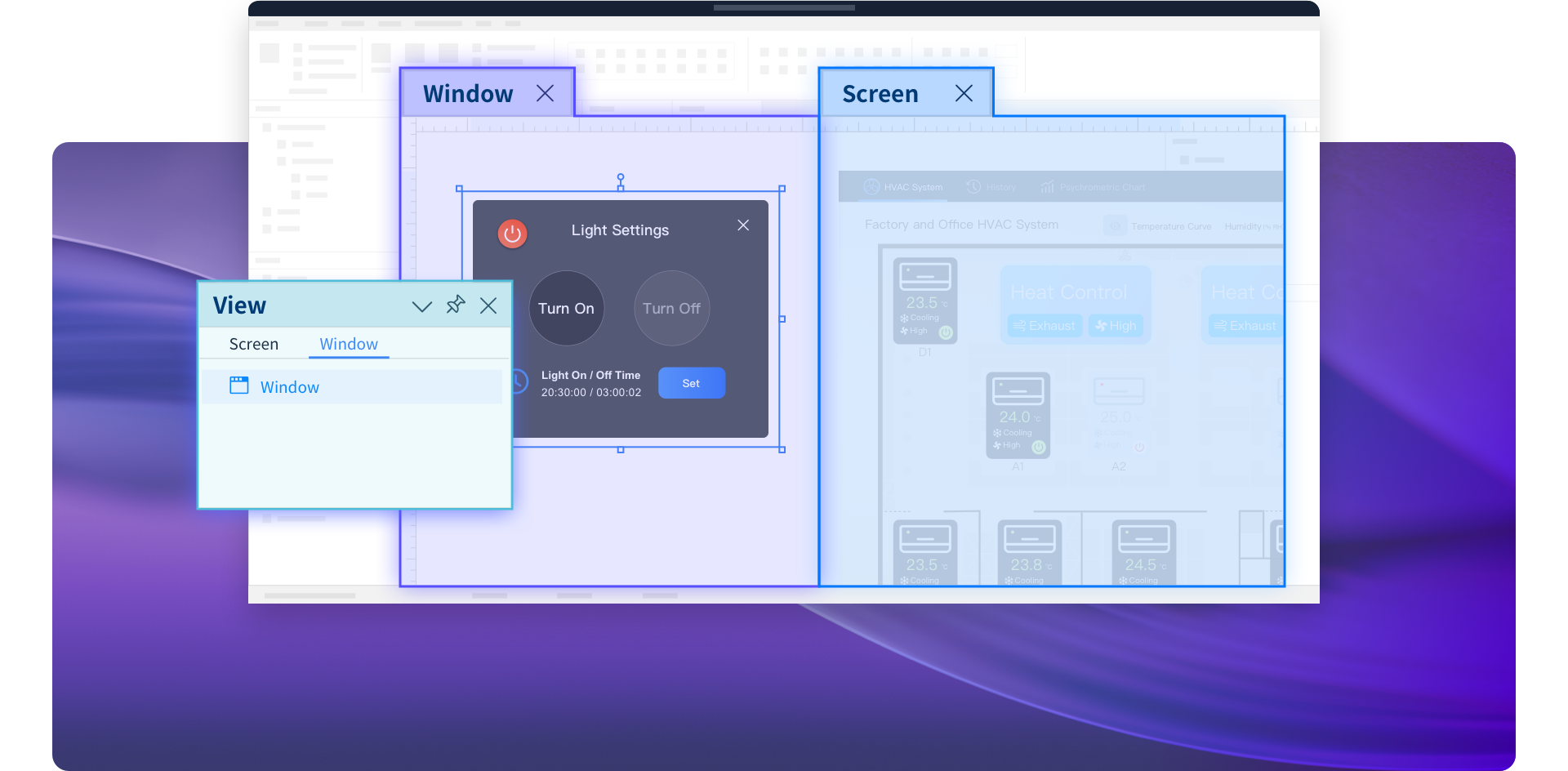
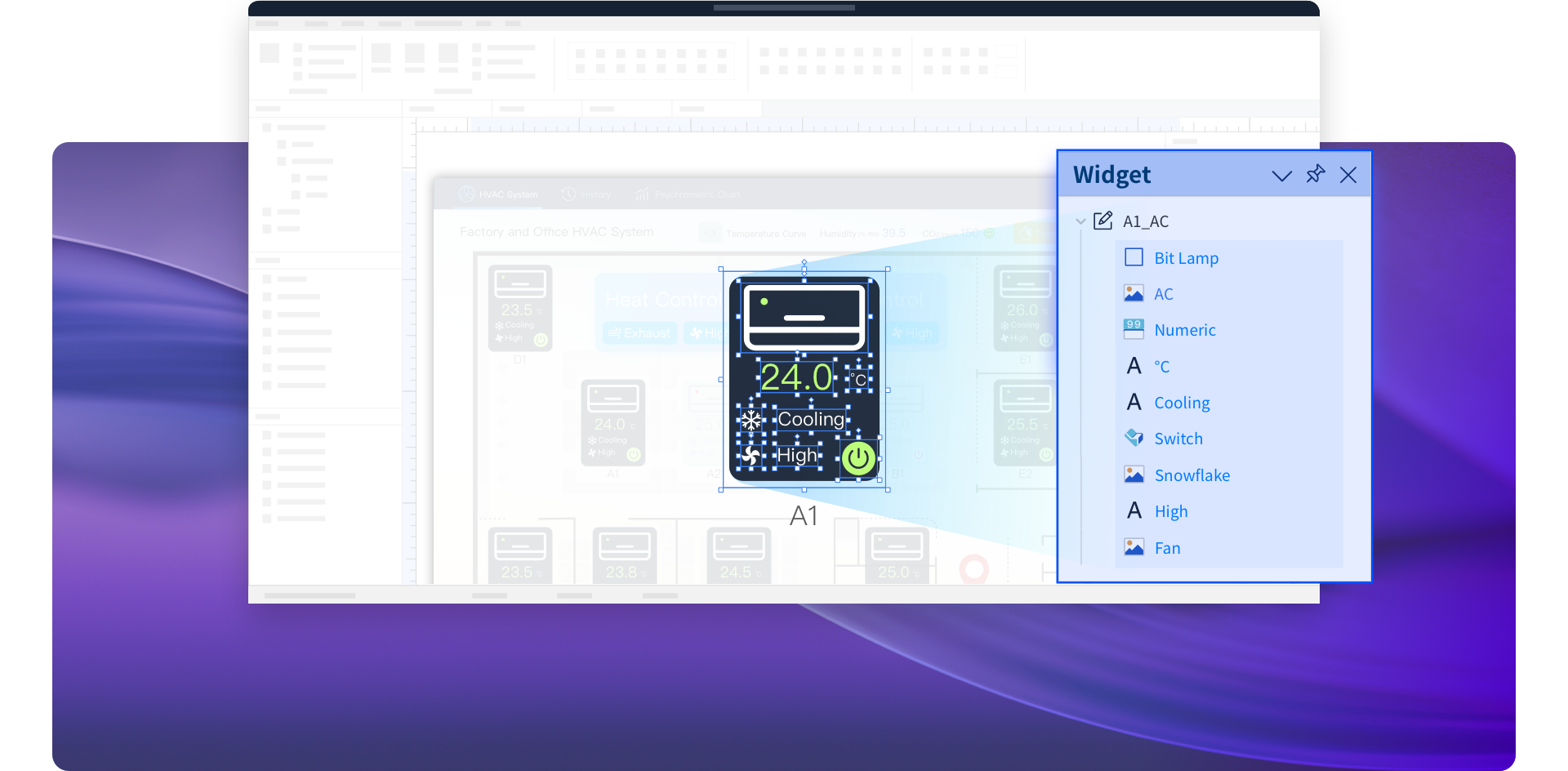
Shows all widgets created in the current project.
Designers can add layers to organize scattered widgets.
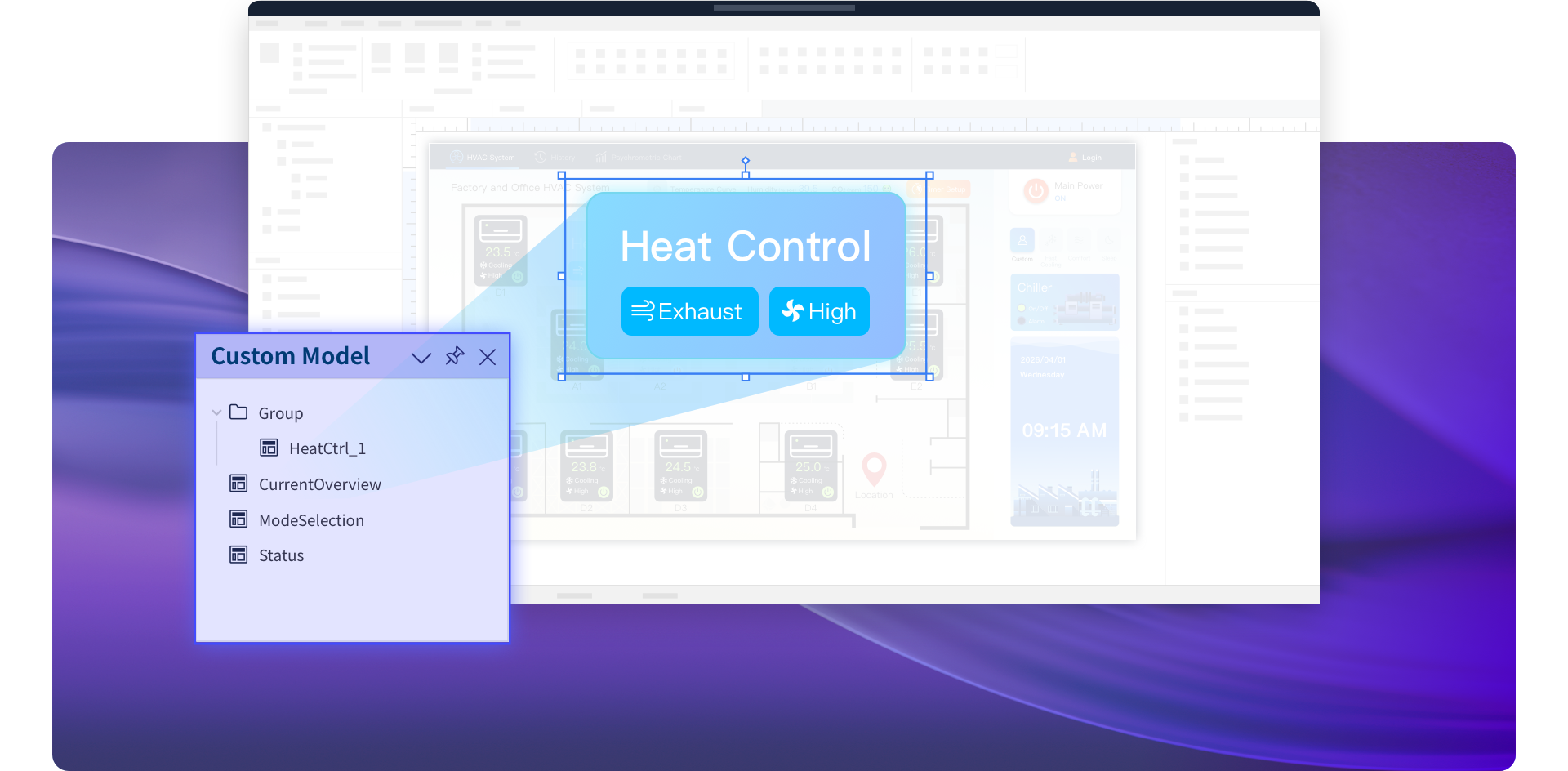
Shows all Custom Models created in the current project.
Designers can add groups to organize them.
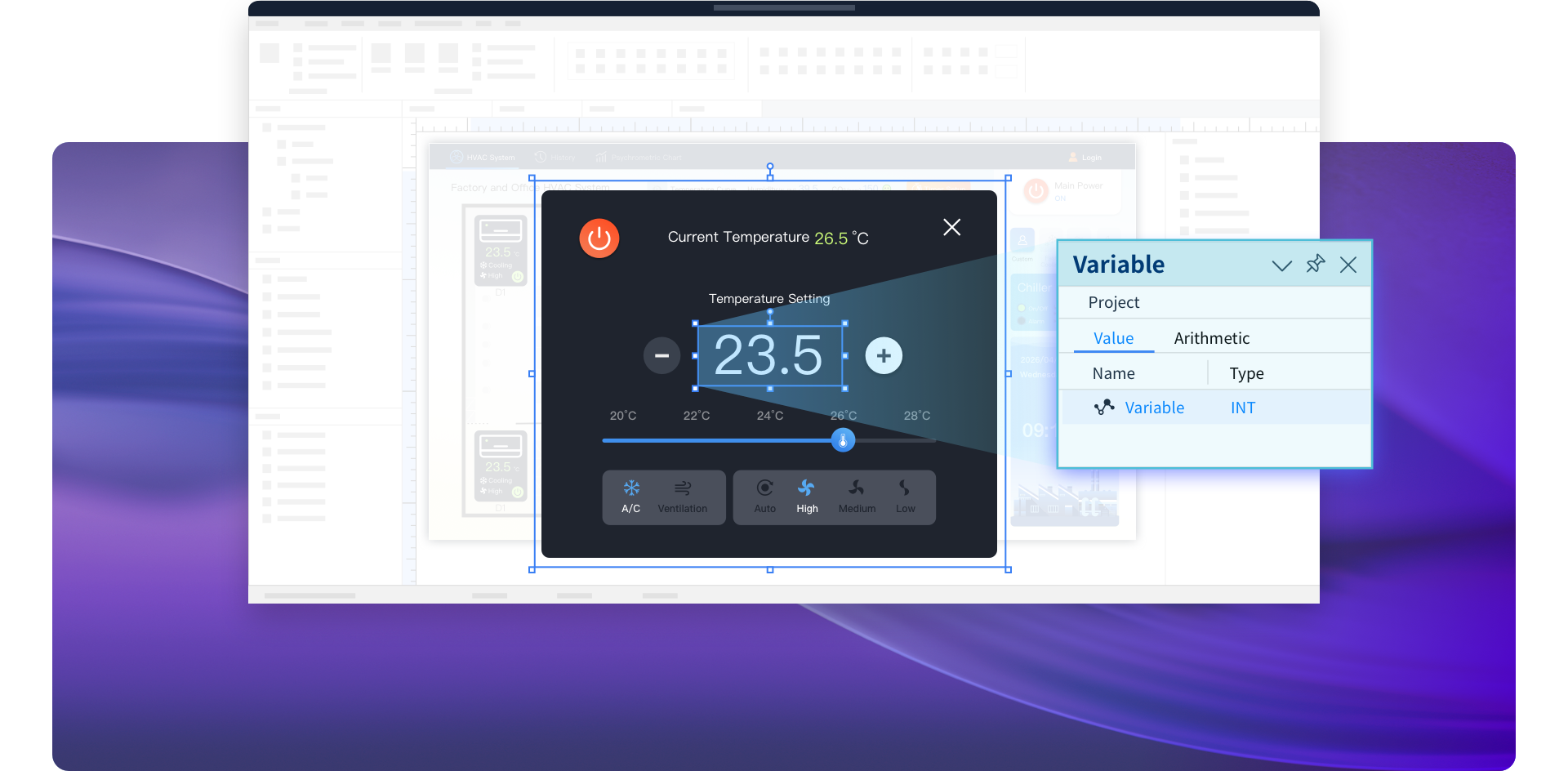
Lists the Value Variables and Arithmetic Variables used in the current project.
Value Variables store basic data, while Arithmetic Variables support simple calculations.
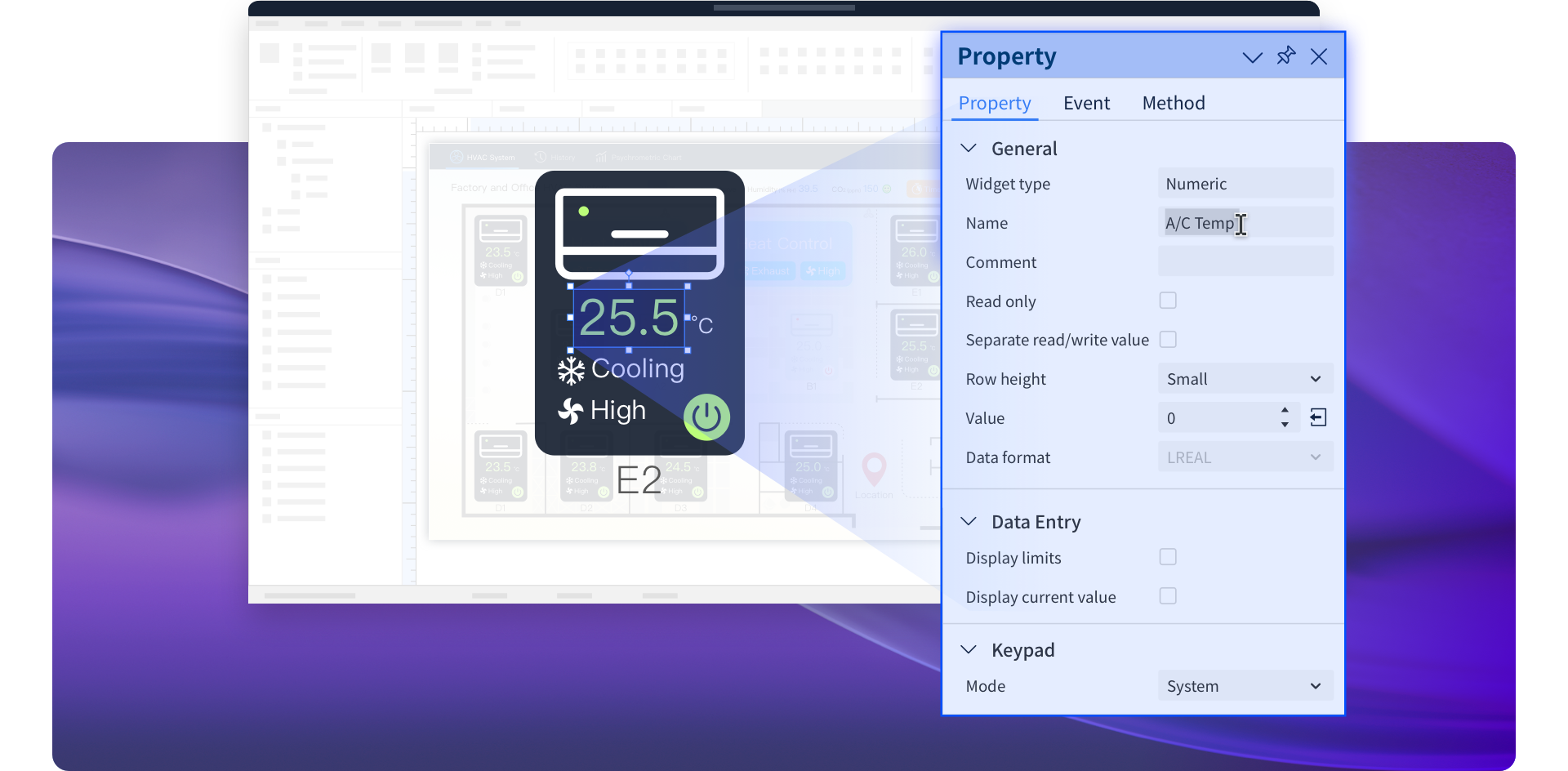
Displays the Property, Event, and Method settings of the selected object.
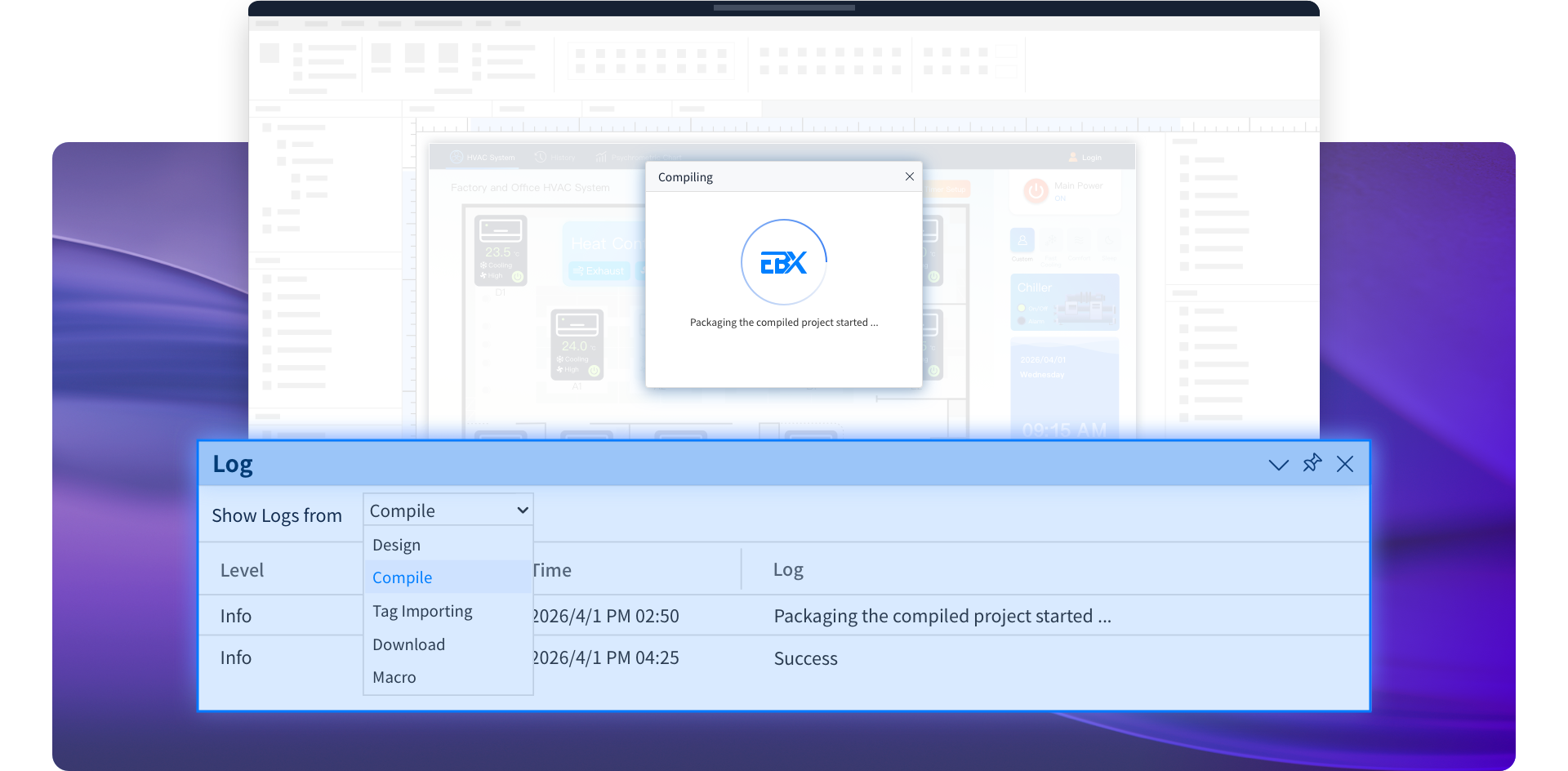
Tracks design and compilation records, with storage for up to 1,000 entries.
Experience the New Generation of HMI Design
Open projects freely across EasyBuilder X versions for effortless project maintenance.
Navigate projects faster with an intuitive interface designed to reduce menu complexity.
Leverage object-oriented concepts for more flexible and dynamic control.
Modify multiple objects at once with batch editing to reduce development time.
Strengthen HMI-PLC communication for greater data transfer efficiency and stability.